Walking Layers Above Coastal Streets
Demonstrating the new shikoku24-style hero layout with pixelation effects
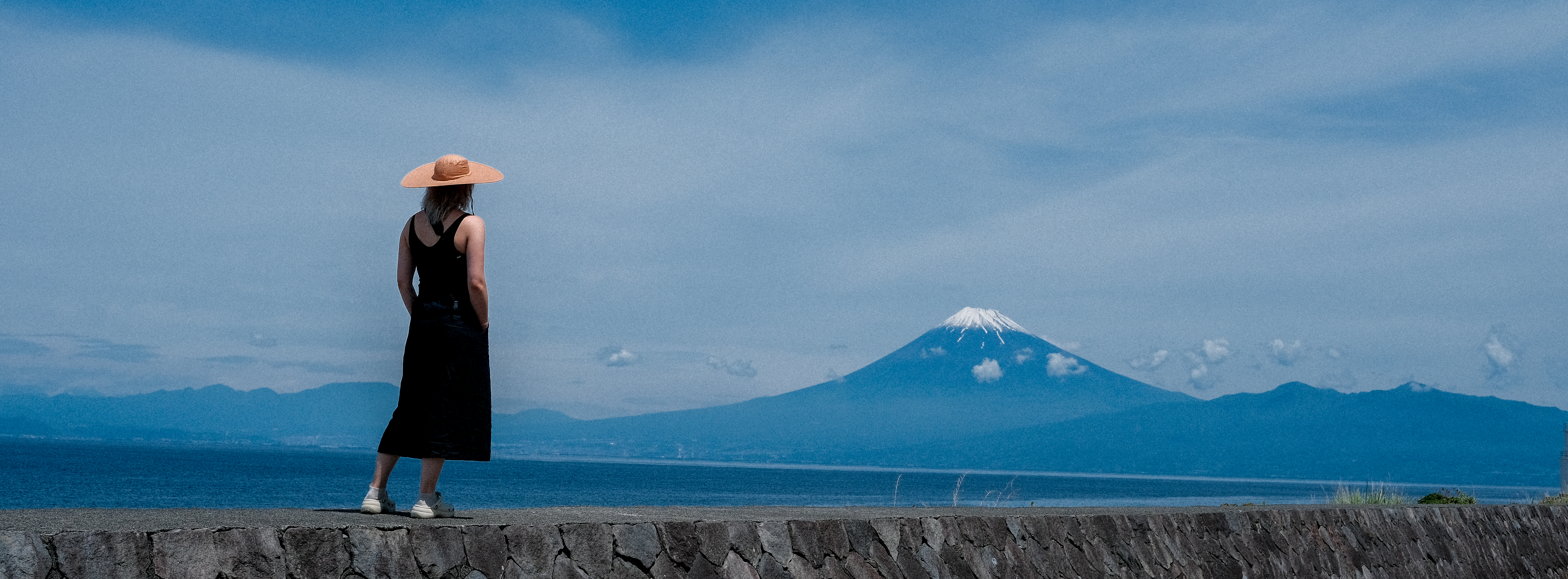
This post demonstrates the new shikoku24-inspired hero system with scroll-triggered pixelation effects. The large hero image gradually pixelates as you scroll down1 The pixelation effect uses canvas rendering with predefined pixel sizes: [4, 6, 8, 12, 16, 20, 25, 30, 35, 40, 50], creating a smooth degradation effect., creating an engaging transition from the visual impact to the reading experience.
Large Typography and Layout
The header typography uses the Redaction font family at massive scale, following the experimental approach of the original shikoku24 template. The title is positioned over the hero image with a subtle text shadow for readability◦ The layout balances large typography with readable body text.
Enhanced Reading Experience
The article width has been increased to 90% of the viewport, providing more generous measure for both text and sidenotes. The content overlaps the hero image with negative margin, creating the layered effect seen in editorial magazine design.
Technical Implementation
The pixelation effect is achieved through:
- Canvas-based image rendering
- Scroll position calculation (maxScroll: 800px)
- Progressive pixel size scaling
- RequestAnimationFrame optimization for smooth performance
The hero component preserves all existing metadata formatting while integrating with the new visual system2 Author, date, read time, and category information is displayed in the hero overlay with backdrop blur effects for legibility..
This approach creates a modern, editorial feel that bridges experimental typography with academic readability.